
Give the party a starting situation
Prepare the campaign pitch, themes, tone and immediate pressure. Decide what draws the party in and how that situation fits the characters you want to play.
Give the campaign a direction worth exploring
Prepare the premise, factions, regions and major arcs that give your party a world of pressure and possibilities to explore.
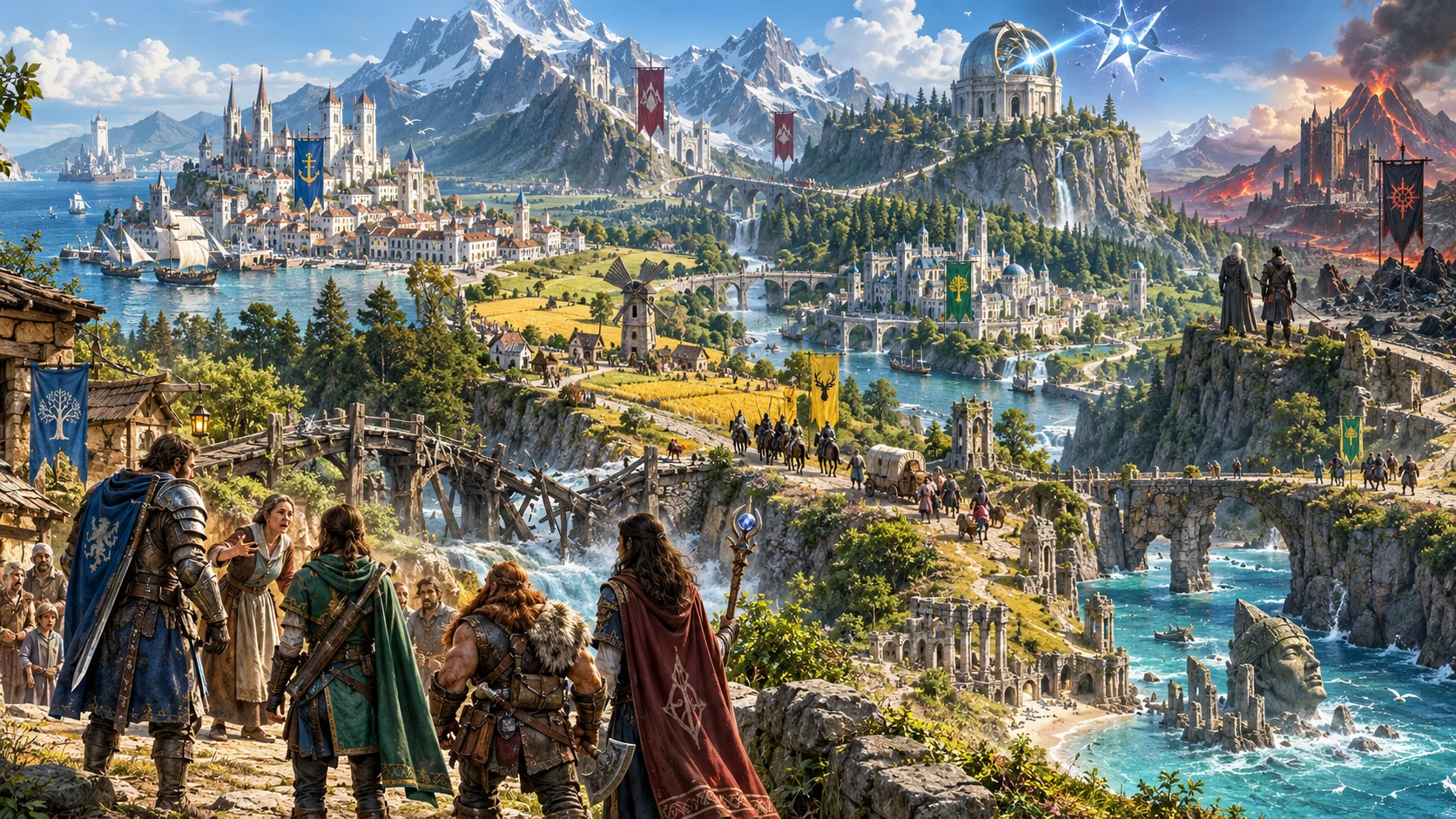
From a premise to a wider campaign
Gather the campaign’s major ideas into one editable framework, then develop the people, places and exact adventures for your table.
Prepare the campaign pitch, themes, tone and immediate pressure. Decide what draws the party in and how that situation fits the characters you want to play.
Review factions, their wants and offers, and the regions where the campaign unfolds. Adapt those starting relationships to the history and people of your setting.
Use arc briefs, milestones and revelations to develop meaningful adventures. Review regional references and branches together before treating them as a finished campaign.
Keep side threads, escalating pressure, secrets and alternate endings beside the outline. Decide when those possibilities enter play and how player choices change them.
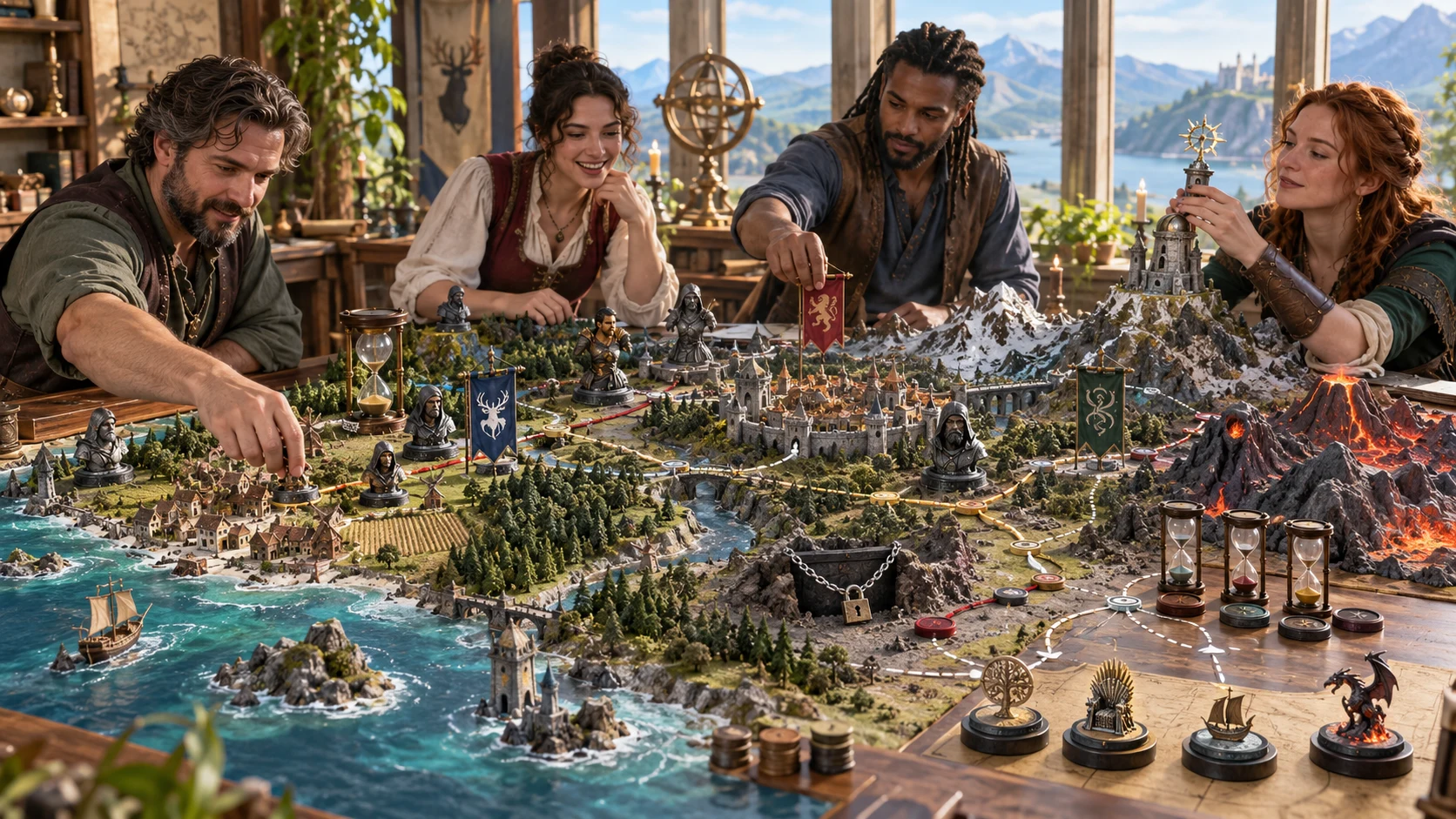
A framework you can develop
Connect a starting situation with regions, factions and major arcs. Use the framework to guide the adventures you prepare next.
You decide how pressure advances and how player choices change the campaign. The tool does not run a live campaign clock.
A practical campaign workflow
Start with the campaign’s essentials, expose deeper choices when useful, then review the framework before saving or sharing.
Choose short, standard, long or epic, starting and ending tiers, tone and themes. Use a preset as a starting point. A length band is not a fixed session count.
In Deep, choose sandbox, hybrid or directed preparation, central conflict, three to eight major arcs, two to eight regions, faction density and other descriptive choices.
Lock reviewed sections, reroll a selected section or edit the structured framework. Read related sections together after changes, especially arcs, milestones and revelations.
Save a validated framework to your account. Use Copy player pitch for the public pitch or Copy DM master outline for private preparation. Review your chosen view before printing.
What the framework contains
Keep major preparation together while retaining your decisions about continuity, adventure detail and the rules at your table.
Prepare a title, pitch, starting situation, themes and central conflict. Use these to explain why the campaign matters and what could change if the party leaves its pressure unresolved.
Bring regional context, faction wants, offers and fault lines together. Review those relationships and adapt their names, motives and reach to your setting.
Prepare three to eight major arcs with regional references, pressure, milestones, revelations, branches and a set-piece brief. Use these as starting material for the adventures you write.
Keep escalation stages, preparation clocks, side threads, DM secrets and alternate endings beside the main outline. These support your preparation without running live campaign events.
Lock useful sections or reroll a selected section while other sections stay fixed. Edit the structured framework directly, then review relationships between retained and regenerated material.
Read a pitch built from selected public premise fields, with promises and session-zero questions. Review edited public fields before sharing; private sections are excluded from this projection.
Save validated frameworks, search by name, reopen, duplicate and open up to ten prior records. Review your current generation controls and locks before revising reopened work.
With separate access and capacity, prepare one selected arc as an inactive saved scene carrying foe name references, an objective and terrain notes. Review actual combat statistics at the destination.
Choose your preparation depth
Generation uses finite prepared templates with seeded variation. Descriptive choices guide preparation; they do not simulate a complete campaign.
Choose a length band, starting and ending tiers from one to four, tone, themes and a seed. These give the framework its initial scope and atmosphere.
Choose conflict and structure, three to eight arcs, two to eight regions and faction density. Review how those generated sections relate before developing them further.
Add villain style, mystery, political pressure, exploration, combat, magic and tone boundaries. Some choices appear as descriptive context rather than rebuild every part independently.
Review endgame states, alternate endings, pacing warnings and preparation clocks. These are planning notes for you to use, rather than events that advance automatically during sessions.
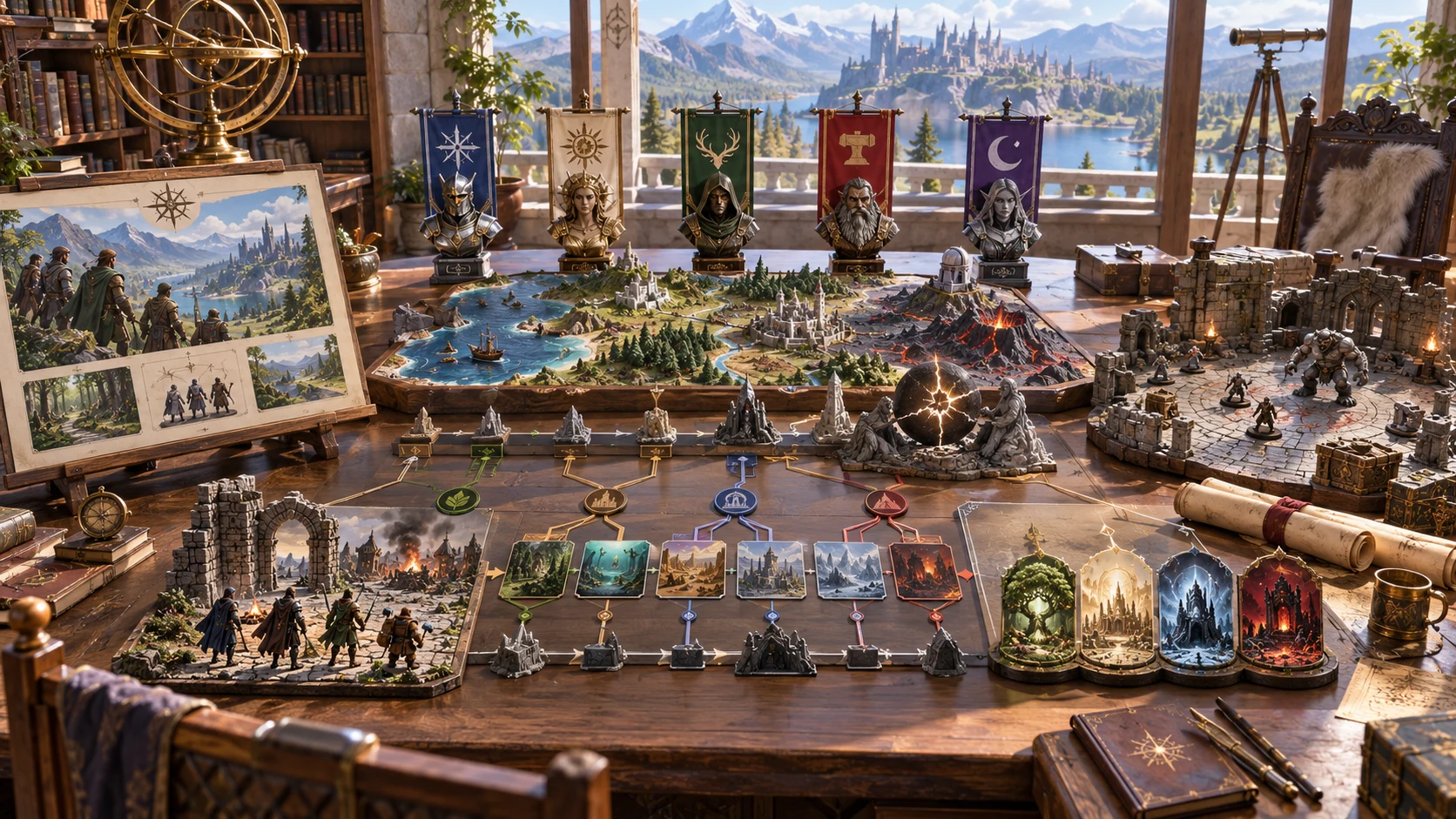
A master outline and a public pitch
Keep the full framework for DM preparation and review the derived player pitch for session zero. Read public fields after editing.
The artwork illustrates campaign preparation. The generator creates structured notes, not these models, pictures or a graphical map.
Revisit and refine useful material
Use locks deliberately and review the wider framework whenever retained sections depend on something you change.
Change one section while other sections stay fixed. Full generation also preserves manually locked sections. Current controls can differ from retained material, so review the resulting context and references.
Variant from locked premise changes the arc sequence while retaining all other sections. It does not recalculate retained milestones, revelations or regional references. Review those connections before using the variant.
Change individual details through the JSON editor and rebuild the player pitch from selected premise fields. Section reroll changes a whole section; there is no dedicated single-arc reroll control.
Search saved frameworks by name, duplicate useful work or open up to ten prior records. Reopening does not restore your generation controls or section locks. Recheck them and the selected arc before further work.
Clear preparation boundaries
Know what validation checks and what you must review before sharing or using the framework at the table.
Required sections and minimum content are checked. Validation does not prove cross-section consistency, balanced encounters or sandbox freedom. Develop the connections, statistics and adventure details yourself.
The structured JSON download contains the full record, including DM material, even when Player pitch is selected. Use Copy player pitch for public text, and select Player pitch before printing. Review edited public fields yourself.
Send foe name references, an objective and terrain notes from one selected arc into an inactive saved scene. Separate Combat PRO access and capacity are required. The handoff does not activate a fight or send the whole framework.
Foe references are not full combat stat blocks. Select actual statistics and rules in Combat PRO. A repeated transfer avoids duplicates but does not update an earlier imported revision or synchronise the campaign.
Choose access for your toolkit
Campaign Generator is a paid standalone preparation tool. Create a free account first, then review your selection and subscription.
Select Campaign Generator individually. Creating a free account does not by itself include paid generator access.
Choose a five-generator pack for other eligible standalone tools alongside this one. It provides selection capacity, not automatic access to every VISINVOKE product.
Review larger selected-generator packs in your account. Check the actual generators, subscription and reselection terms before choosing your toolkit.
Combat PRO, Battlemaps and image systems have their own access models. Standalone generator subscriptions do not include image or animation credits.

Keep the premise, regional interests, major arcs and possible endings together while you develop the campaign’s exact adventures.
Review promises and session-zero questions beside the public premise. Use them to start a conversation about tone, expectations and character ideas.
Start Here and How Do I guidance cover campaign choices, section refinement, player pitches, account saves and optional set-piece preparation.
Adapt the prepared material to your setting and players. You control continuity, pressure, exact rules and what becomes true at the table.
Build your tabletop toolkit
Each card opens that product’s own website. Review purpose and access separately; related products do not promise included access or automatic synchronisation.

Discover and open your supported Windows products through one connected VISINVOKE account.

Explore environment packs for tactical locations and the places your encounters unfold.
Review prepared opposition, tune creature statistics and run tabletop encounters with its own access.
Create focused character, monster, item and location images to complement your tabletop preparation.

Create guided commercial visuals for websites, brochures and wider creative projects.

Explore a separate futuristic RPG experience with its own world, characters and progression.
Product artwork illustrates campaign preparation, not application screens or actual generated image output.
Quick answers
Understand the workflow and its limits before opening the generator.
It prepares an editable campaign framework from finite prepared templates. It gives you a premise, factions, regions, arcs, revelations, escalation guidance and possible endings. It does not run live clocks, track sessions, draw maps or supply every adventure and encounter statistic. You develop and adjudicate the campaign.
Choose short, standard, long or epic as a length band, starting and ending tiers from one to four, tone and themes. Deep adds sandbox, hybrid or directed structure, three to eight major arcs, two to eight regions and other descriptive choices. Length bands are not a fixed session count.
A selected-section reroll keeps all other sections. Full generation also preserves manually locked sections. Variant from locked premise changes the arc sequence while retaining the rest, including milestones and revelations. It does not recalculate retained milestones or other dependent references; review them after revision.
Use Copy player pitch for the derived public pitch, or select Player pitch before printing. Review edited public fields yourself. The structured JSON download contains the full record, including DM material, even when Player pitch is selected. Keep that full export private unless you intend to share all of it.
One selected arc supplies foe name references, an objective and terrain notes for an inactive saved scene. It does not activate a fight or send the full campaign, private framework or complete combat statistics. Separate Combat PRO access and capacity are required. Repeating a transfer does not update an earlier imported revision.
Create a free VISINVOKE account, select Campaign Generator at US$1.99/month or through an eligible selected-generator pack, and use Desktop Command Centre on Windows. Save frameworks, duplicate them and open up to ten prior records. Other products and image credits have separate access.
Continue in VISINVOKE
Create a free VISINVOKE account and choose the required generator access.
Get Desktop Command Centre from your account installer page. Sign in on Windows, then open Campaign Generator.